
Finding Your Comfortable Reading Size: A Practical Guide
Reading on a smartphone is part of everyday life. Whether you're checking messages, browsing websites, reading articles or working on your phone, the size of the text can influence how comfortable the experience feels.
Sometimes, we continue reading text that is simply too small, moving the screen closer or repeatedly zooming in.
Fortunately, a few simple adjustments can make digital reading easier and more enjoyable.
1. Why Does Reading Size Matter?
When text is too small, reading can require additional effort. You might find yourself squinting, holding your phone closer or frequently adjusting the screen.
Digital reading comfort depends on several factors, including:
- Text size and clarity
- Screen brightness and contrast
- Viewing distance
- Surrounding lighting
- The duration of your reading sessions
- Your individual visual needs
There is no single perfect font size for everyone. A comfortable reading size is one that allows you to read clearly and naturally without unnecessary effort.
2. How to Find Your Comfortable Text Size
Try this simple approach:
Step 1 — Hold your phone naturally.
Sit comfortably and hold your phone at a distance that feels natural. Avoid deliberately bringing it unusually close to your face.
Step 2 — Start with readable text.
Open an article or a passage containing several lines of text. Choose a font size that you can read without squinting.
Step 3 — Adjust gradually.
Increase or decrease the text size until the words feel clear and comfortable.
Step 4 — Read for a short period.
Continue reading several paragraphs. A setting that looks acceptable for a few seconds may not be your preferred size during longer reading sessions.
Step 5 — Remember your preference.
Keep your preferred setting as a starting point for future reading.
The goal is not to read the smallest possible letters. It is to find a size that suits your everyday needs.
3. Screen Brightness and Lighting Make a Difference
Text size is only part of reading comfort.
Strong reflections, unsuitable brightness and poor lighting can make digital screens less comfortable to use.
Try these adjustments:
- Match screen brightness reasonably well to your surroundings.
- Avoid strong reflections from windows or overhead lights.
- Choose text and background colors with clear contrast.
- Use comfortable room lighting when reading.
- Experiment with your device's display settings.
The American Optometric Association recommends considering lighting, glare, working distance and posture when addressing digital screen discomfort.
4. Remember to Take Screen Breaks
Even when your text size is comfortable, spending long periods looking at a screen can lead to tired or uncomfortable eyes.
One commonly recommended habit is the 20-20-20 rule:
Every 20 minutes, look at something approximately 20 feet (6 metres) away for at least 20 seconds.
This provides an opportunity to shift your focus away from close-up work.
Remember to blink naturally as well. People often blink less frequently while concentrating on digital screens, which can contribute to dryness and discomfort.
A short pause, a change in focus or simply looking away from the screen can be a useful addition to your daily routine.
5. How VisionComfort Can Help
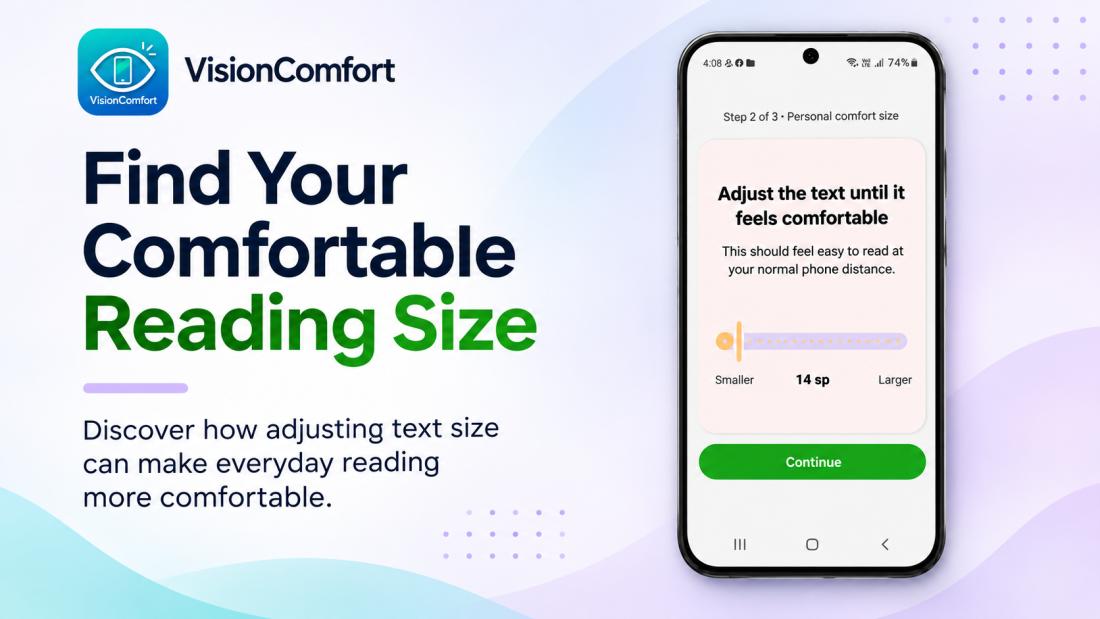
VisionComfort is a free Android application designed to help users explore comfortable reading settings and develop better screen habits.
Its features include:
Vision Comfort Check
Explore your preferred reading size through a guided reading-comfort check.
Web Reader
Read web pages with adjustable text size and reading controls.
Progress Tracking
Review previous comfort checks and observe how your recorded reading preferences change over time.
Daily Reset
Take a short screen break using Blink Recharge, Focus Escape and Visual Track activities.
Screen-break reminders
Use reminders to support more regular breaks during your daily screen use.
VisionComfort is intended for general reading comfort and digital wellbeing. It does not measure visual acuity or diagnose eye conditions.
6. Why Tracking Your Reading Preferences May Be Useful
Your preferred reading size may not always stay the same.
Lighting conditions, device characteristics, fatigue and other factors can influence what feels comfortable.
By repeating your Vision Comfort Check periodically, you can build a record of your reading preferences.
For example, you may notice that you tend to choose larger text after prolonged screen use or in different lighting conditions.
These observations can help you understand your personal reading habits.
However, changes in preferred text size alone cannot determine whether your eyesight has changed or whether you have an eye condition.
7. When Should You Consider an Eye Examination?
Adjusting text size can improve readability, but it is not a replacement for professional eye care.
If you experience persistent difficulty reading, frequent headaches, blurred vision or ongoing eye discomfort, consider arranging an examination with a qualified eye-care professional.
Sudden changes in vision, eye pain or other acute visual symptoms require prompt medical assessment.
A comprehensive eye examination can help determine whether your symptoms are related to vision correction needs or another cause.
Final Thoughts
Comfortable reading is personal.
A text size that works perfectly for one person may be uncomfortable for another.
The most useful approach is to find settings that suit your needs, maintain a comfortable reading distance, minimize glare and take regular breaks.
Small adjustments can make everyday digital reading feel more natural.
Discover your preferred reading size with VisionComfort.
Get VisionComfort free on Google Play
Sources and Further Reading
- American Academy of Ophthalmology — Computers, Digital Devices and Eye Strain
- American Optometric Association — Computer Vision Syndrome
- Mayo Clinic — Eyestrain: Diagnosis and Treatment
- W3C — Understanding Resize Text